Manual video production is the bottleneck of every channel: a single video can eat up days of scripting, voice-over, image selection, and editing. Automating YouTube with AI changes the economics entirely — the same video comes together in minutes, and one person can run an entire network of channels. Below is the complete AI pipeline from idea to publish, with tools for every step.
YouTube automation with AI: what the pipeline looks like
Video production breaks down into seven stages, each powered by its own AI:
- Topic research and demand analysis
- Script
- Voice-over
- Visuals
- Editing and subtitles
- SEO and metadata
- Shorts clips
Let's break down each stage — what to automate and how.
Stage 1. Topic research and demand analysis
Automation starts not with generation but with topic selection — otherwise you'll quickly and beautifully produce content nobody is searching for. Analytics tools (like VidIQ) surface demand, competition, and keyword suggestions. The key signal is VPH (views per hour): if a small channel's fresh video is pulling an unusually high VPH, you've found underserved demand. At this same stage, factor in niche RPM and geo so you're producing high-value content, not low-CPM filler.
Stage 2. AI-written script
The script is the backbone of a video and the primary driver of watch time. AI generates a draft from a template: a grabby hook for the first 15 seconds, 3–5 content blocks with smooth transitions, and a closing call to action. There are separate prompt templates for different formats — talking head, long-text-to-script structurer, and more. Your role is editorial: check facts, numbers, and tone for your niche, because AI can get details wrong.
Stage 3. AI voice-over
Voice-over is handled by TTS services. ElevenLabs delivers natural speech in dozens of languages, and with a short clean sample it can clone your own voice — so every video sounds like you without recording a single take. Intonation and pacing matter: flat, monotone narration kills watch time, so voice settings are part of the work, not a set-and-forget.
Stage 4. AI-generated visuals
Visuals for the voice-over are assembled from several generative sources:
- AI images — Midjourney and Leonardo for any topic.
- Generative video — Runway and Pika, using a text → image → video chain to animate stills and create short clips.
- AI avatar — HeyGen, when you need a talking-head presenter without a camera.
- Stock footage and infographics — complement and ground the visuals.
The rule is the same as in manual editing: shots change frequently enough and accurately illustrate what's being said.
Stage 5. Editing and subtitles
Auto-assembly syncs the voice-over to visuals, cuts pauses, adds dynamic transitions, and burns in subtitles. Subtitles are critical: a significant share of viewers watch without sound, and without text you lose them. The automation also tightens timing so there are no dead spots that kill watch time.
Stage 6. SEO and metadata
Even a perfect video won't be found without the right metadata. The automatable baseline:
- Title — up to 63 characters, keyword first.
- Description — 500+ characters: keyword and value proposition in the first lines, then timecodes and related terms.
- Tags — up to 500 characters: main keyword, synonyms, related topics.
- Keyword tripling — the same keyword in the title, description, and tags for a clear signal to the algorithm.
Stage 7. Shorts clips
AI clips vertical fragments from a single long video: tools like OpusClip find the most engaging moments, crop to vertical, and add subtitles. Shorts work as a funnel — pulling cold audiences toward long-form content and subscriptions. It's also repurposing: one video becomes a dozen pieces of content.
Where automation ends and humans take over
YouTube AI automation handles the grind, but it doesn't replace strategy. The human's job is:
- niche and geo selection — aligned with demand and RPM;
- script editing — facts, numbers, tone;
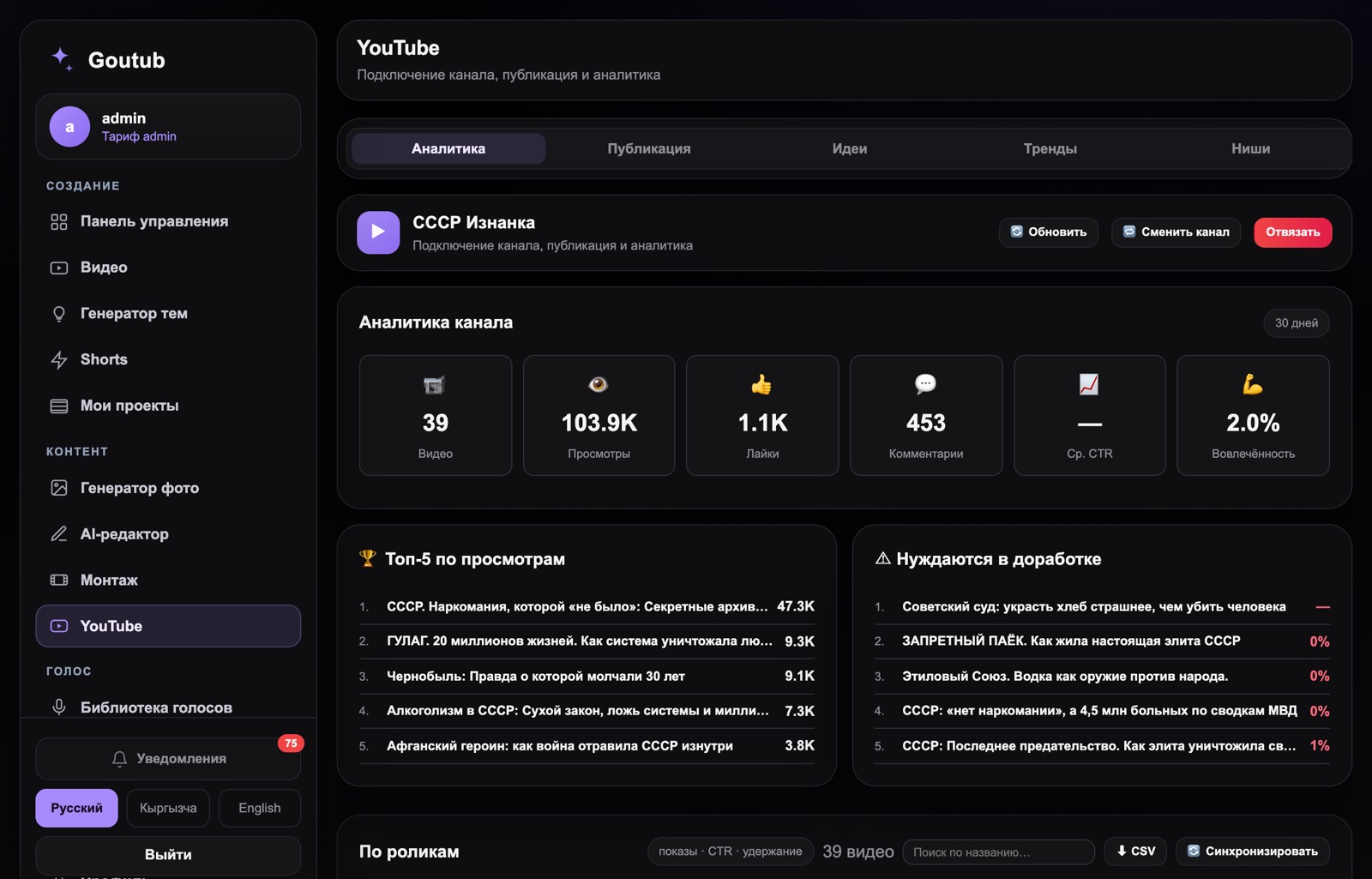
- reading analytics — CTR (6%+), retention (65%+ in the first 30 seconds), drop-off curve, traffic sources;
- packaging iterations — testing up to three thumbnails, refining titles.
AI provides volume and speed; you decide what to produce and for whom. That combination — machine pipeline plus human strategy — is what drives growth.
What automation saves
The advantage becomes clear when you compare before and after. Manually, scripting, voice-over, visual selection, editing, and metadata can easily take a day or two per video — with the bulk of the time spent finding images for each segment and syncing audio to visuals. On an AI pipeline, those same steps compress to minutes, meaning instead of one video a week you can realistically ship the volume the algorithm demands. One person can now run what used to require a team of a writer, narrator, and editor.
Automation mistakes and AI labeling
Automation amplifies both results and mistakes, so keep these common pitfalls in mind:
- Generating without demand research — you'll produce polished content nobody is searching for.
- Skipping editorial review — AI gets facts and figures wrong; verify before publishing.
- Slideshow instead of visuals — a static image held for a minute tanks retention.
- Ignoring analytics — without reviewing CTR and retention, mistakes get replicated at scale.
A separate 2026 note: labeling. Realistic AI-generated content must be flagged as such on upload, and the platform demotes mass-produced, cookie-cutter videos that add no value. Automation should deliver volume while preserving uniqueness and usefulness — otherwise you risk suppressed impressions and monetization issues.
How Goutub accelerates this
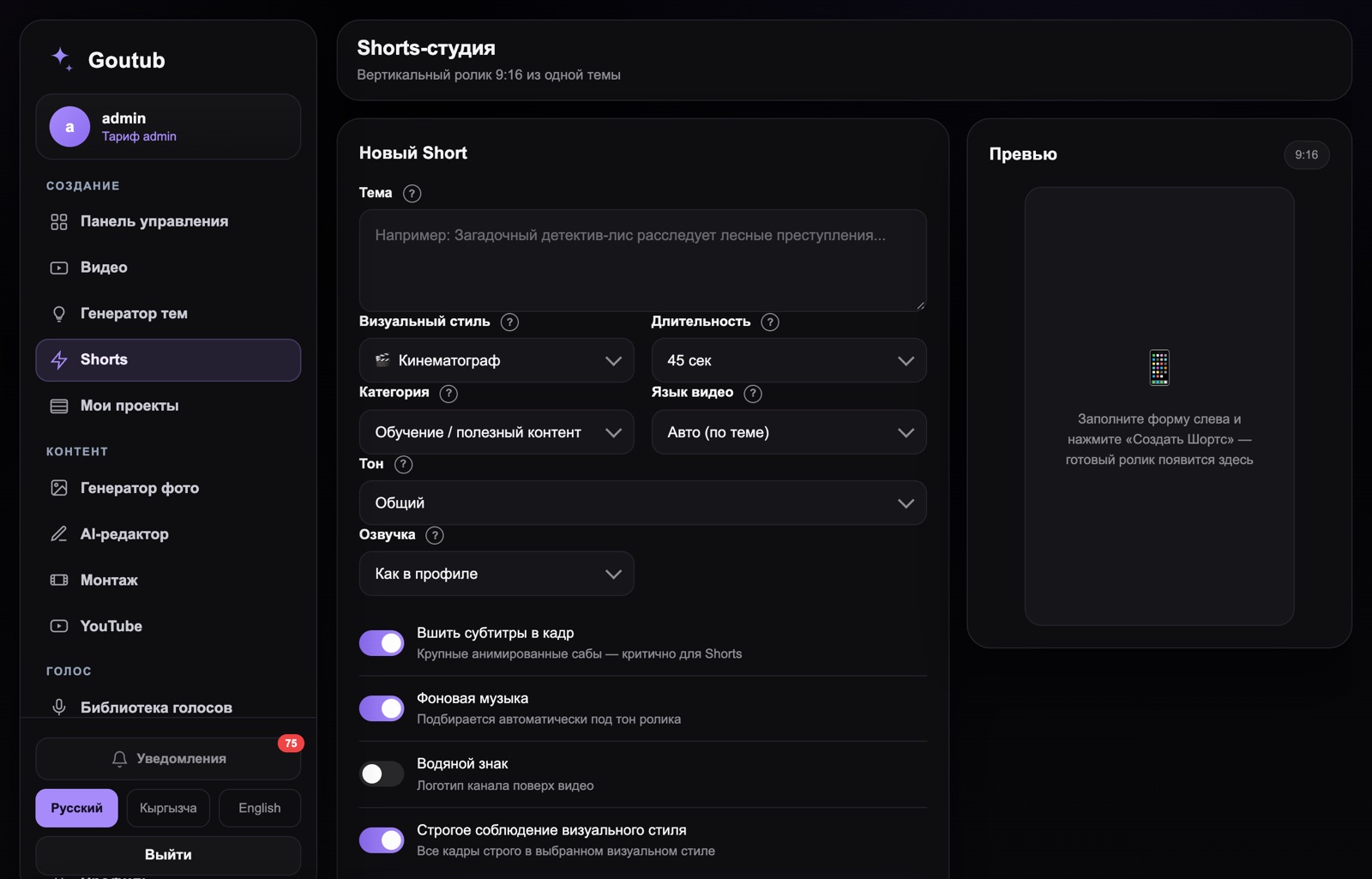
Goutub is exactly the pipeline described above, assembled in one place. Instead of a dozen disconnected services, you enter a topic and the system writes the script, narrates it with an AI voice, selects images and video clips, edits the video, prepares metadata, and cuts Shorts. What takes days and requires a team manually happens in minutes — and you can scale output across multiple channels in different languages.
Build your first video in Goutub
Script, voice-over, visuals, editing, and YouTube package — one AI pipeline. Enter a topic and get a finished MP4.
Try GoutubPublished August 4, 2026 · Author: Асанов Усен · ← All blog posts