"What if I don't have a camera, studio lighting, or a 200,000 mic?" Good news: in 2026, you don't need any of that. AI tools cover the entire production cycle — script, voice, visuals, and editing. The hardest part is picking a niche that works well without your face on screen.
We break down 5 proven niches where AI channels actually make money: how much it costs to launch, what the average CPM is, and how many videos until you start earning.
1. Educational Content: "How It Works"
Niche: education, explainers, history
Searches like "how does … work," "why …," and "what came before …" are perennial — people look up the same things year after year. CPM in this niche is above average ($4–8) because the audience has real purchasing power.
Example channel: explainer videos about ancient civilizations. Length: 8–15 min. Tone — narrative, no hype. Stock footage + AI-generated images.
What to do: 2 videos per week, 8–12 min each. After 60–80 videos, most channels hit the monetization threshold (1,000 subscribers + 4,000 watch hours).
2. Storytelling: Book Summaries and True Stories
Niche: book summaries, true crime, biographies
"What I learned from reading …" is a format the YouTube algorithm loves for its strong watch time. Viewers stick around for 70–80% of the video, which boosts recommendations.
Pro tip: choose books with long-term interest (psychology, business, philosophy) rather than seasonal non-fiction. A single video on Kahneman's "Thinking, Fast and Slow" keeps getting views for years.
3. How-To Tutorials for Niche Software
Niche: tutorials for popular but poorly documented products
The most underrated niche. Take any popular SaaS (Notion, Airtable, Make, Webflow) — each has thousands of users Googling "how to do X in Notion." Competition is low, subscriber conversion is high.
Bonus: CPM is above average because the audience is product managers and freelancers. Affiliate link conversion is also high here (most SaaS programs pay 20–30% recurring).
4. Listicles and "Top 10 …" Rankings
Niche: lists, comparisons, category reviews
"Top 10 …" is a format that will never die. Viewers click hoping to predict #1. The script follows a rigid template: hook (30 sec) → 10 entries → CTA. AI handles 80% of the work.
Downside: CPM is lower due to the entertainment-focused nature. Upside: volume — 3–4 videos per week is very achievable, and the sheer quantity adds up to solid revenue. Pairs well with Shorts (30-second teasers).
5. Reaction Format: Texts, News, and Trends
Niche: news breakdowns, post reactions, statement analysis
An AI voice comments on fresh events — no face, no camera. Production cycle: 1 video per day. The algorithm loves recency: a video about yesterday's news hits recommendations within the first 24 hours.
The challenge: it demands daily publishing to keep pace with the news cycle. Without automation (that's what your AI pipeline is for), you'll burn out within a month.
What All 5 Niches Have in Common
Voice beats visuals. Viewers forgive stock footage and basic editing as long as the voice sounds confident and the tone matches their expectations. That's why your first investment should be in quality AI voice-over, not visuals.
Consistency beats quality. A channel that posts twice a week for six months will outperform one that drops a masterpiece once a month. An AI pipeline solves exactly that problem.
Your hook decides the first 30 seconds. Retention at the 30-second mark determines whether the video gets recommended. Spend more time on your hook than on the rest of the script.
How Much Does It Cost to Launch?
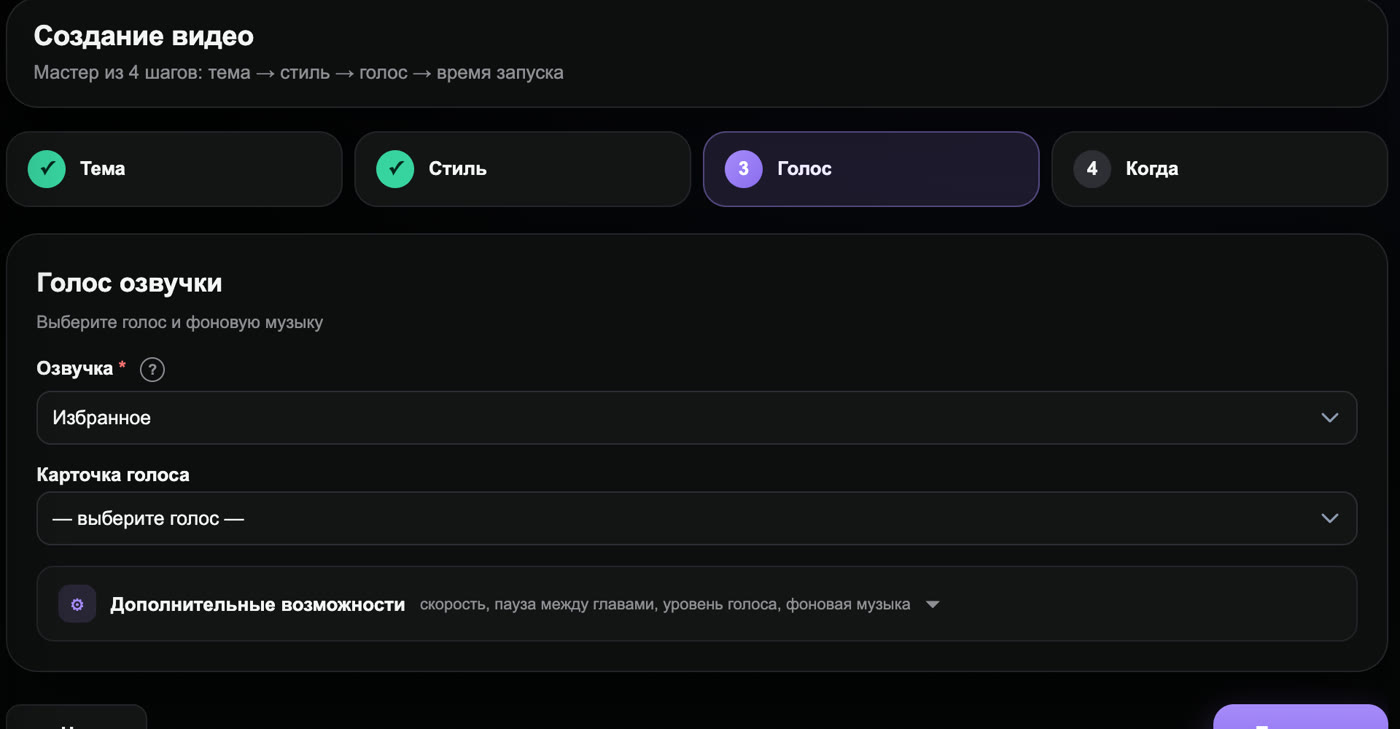
An AI pipeline (like Goutub Creator) runs about 4 990 ₽/мес for a budget covering 30+ videos. That includes voice, images, editing, and publishing. Compare it to a freelancer: one 8–12 minute video costs 5–15K ₽ — meaning 30 videos = 150–450K ₽.
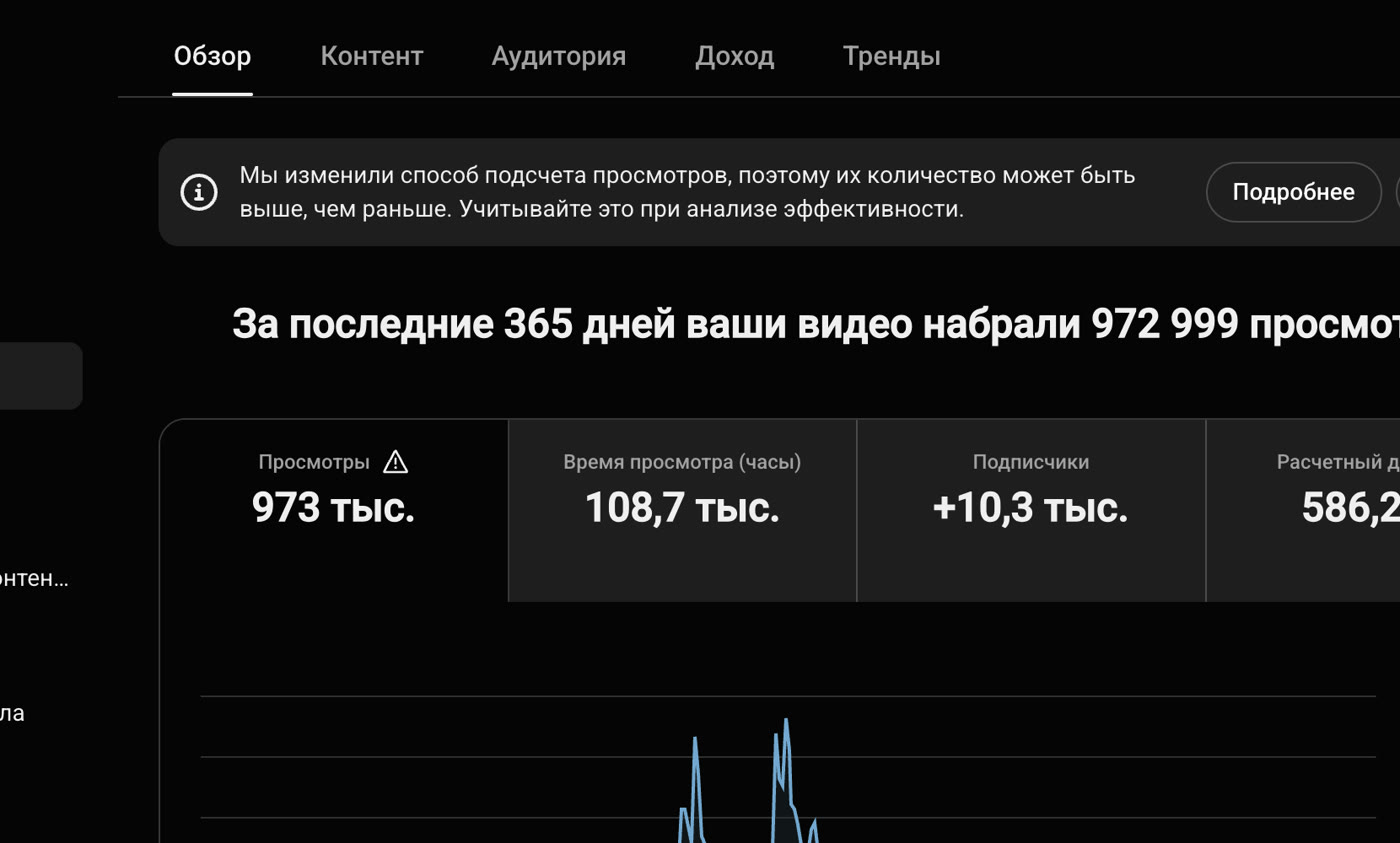
The break-even point on ad revenue is roughly 50K views/month at CPM $3 (~13K ₽), plus affiliate and sponsorship income. Most channels in the niches above hit this mark after 3–6 months of consistent publishing.
Ready to launch your AI channel?
Goutub generates a full-cycle video in 8–15 minutes. Script, voice, visuals, timing — all in one dashboard.
Get started