The myth that YouTube requires a camera worth thousands of dollars, a studio, and a video editor keeps more people on the sidelines than any competition does. Starting a YouTube channel with zero investment is the norm, not a compromise — a faceless channel is built from zero-cost and freemium tools. Let's break down what you actually need to pay for, what you don't, and how to build a budget stack.
YouTube Without Investment: What Costs Nothing
Start with the good news — the basic launch toolkit requires no money at all.
- YouTube itself — creating a channel, uploading videos, analytics, playlists, and monetization after YPP cost nothing.
- Script — base-tier AI models handle the structure and draft copy. Your job is to edit for facts and tone.
- Graphics — thumbnails and channel art are made from templates in online editors; no paid plan needed.
- Footage and audio — stock videos, images, and openly licensed music cover your visuals at launch.
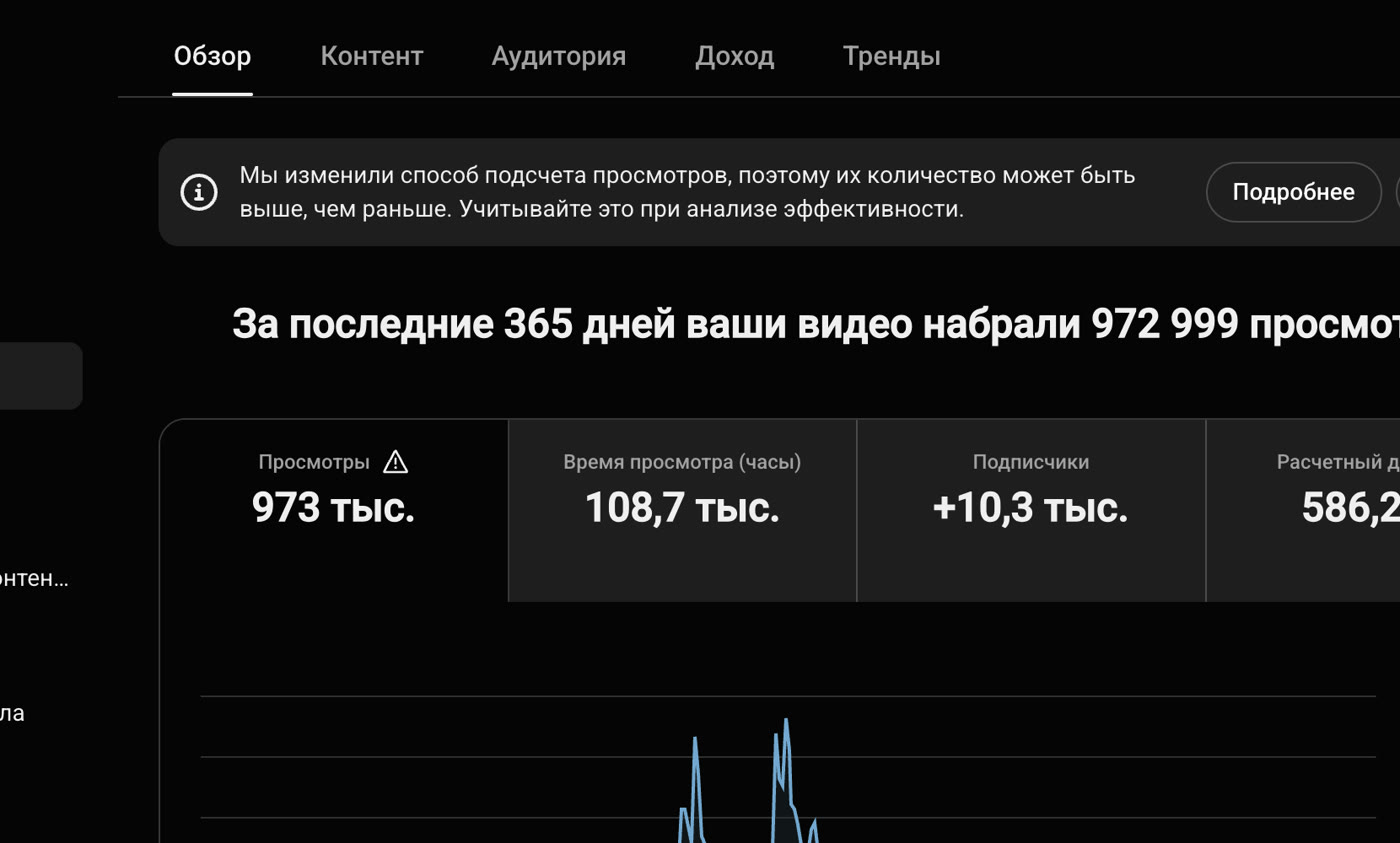
- Analytics — YouTube Studio and base-tier SEO tools (like VidIQ's starter plan) give you enough data: CTR, retention, VPH, and tag suggestions.
- Shorts — cutting and publishing vertical videos costs nothing, and the reach comes fast.
This toolkit is enough to publish your first videos and validate your niche without spending a thing.
Where Costs Begin — and How to Defer Them
To be honest: zero-cost plans hit limits. Knowing exactly where helps you avoid paying before you need to.
Voice-Over
A quality AI voice is usually the first thing you want to pay for. Services like ElevenLabs include a monthly character limit on their starter plan — enough to voice a few videos and find your format. Voice cloning and high volumes are paid tiers. Start within the starter limit and upgrade once the channel begins generating revenue.
AI Images and Video
Midjourney, Leonardo, Runway, and Pika deliver unique visuals, but generative services have small trial limits. Combine them: trial generations plus stock footage and infographics. Get a full subscription to generative video only when your production volume justifies it.
AI Avatar
HeyGen and similar avatar tools are a nice-to-have, not a must. A faceless channel works perfectly without a talking avatar, so this is an expense you can comfortably put off.
The Budget Principle: Recoup First, Then Scale
The most common beginner mistake is buying paid subscriptions before earning your first dollar. The right order is the opposite:
- Launch on a zero-cost stack and publish your first 5–10 videos.
- Gather data — which topics and formats clear the thresholds for CTR (above 6%) and retention (first 30 seconds above 65%).
- Reinvest your first revenue in whatever removes a specific bottleneck: running short on voice-over characters — upgrade your TTS plan; hitting visual generation limits — pay for more.
- Expand your stack one tool at a time, not all at once.
This approach keeps the channel profitable from day one and prevents a hobby from turning into a cost center.
What You Shouldn't Skimp On
Cut costs on money — yes. But not on these things:
- Time on niche and packaging. A thumbnail, a title under 63 characters, and a 15-second hook cost nothing, but they determine whether your video succeeds.
- Consistency. A steady stream of videos matters more than any paid tool.
- SEO metadata. A description of 500+ characters with timecodes, tags up to 500 characters, and the "triple-tag" technique (keyword in the title, description, and tags) cost nothing but drive search traffic.
- Analytics. Breaking down CTR, retention, and traffic sources costs nothing and saves you months of guesswork.
Zero-Cost Stack by Pipeline Stage
To take out the guesswork, here's how to cover every production stage without spending money at launch:
- Topic research — YouTube Studio and VidIQ's base plan (demand, VPH, tag suggestions).
- Script — base-tier AI models plus your editing.
- Voice-over — the monthly starter character limit from TTS services.
- Visuals — openly licensed stock footage and images, plus trial AI image generations.
- Editing — editors without a paid subscription and mobile apps.
- Thumbnail — template-based graphic editors; a zero-cost plan is enough.
- Shorts — cutting and publishing costs nothing.
This is enough to publish your first batch of videos and validate your niche.
When It's Time to Pay: The Signals
An upgrade is justified not "just in case" but in response to a specific signal:
- You've hit the voice-over character limit and are publishing consistently — get a TTS plan.
- You need more unique visuals — pay for image or video generations.
- You're spending too much time on manual assembly — pay for automation, not equipment.
The general principle: first revenue first, then expand the stack one tool at a time. That keeps the channel in the black, and every expense is tied to a real bottleneck.
What Scaling Costs Later
Once the channel starts generating revenue, costs become an investment with a predictable return: a voice-over plan, visual generation subscriptions, an automation tool. The key principle doesn't change — pay for what removes a specific bottleneck and saves your time. Many channels run for years on a mix of zero-cost plans and one or two paid services, reinvesting the saved budget into promotion and testing new niches. Good news: even at scale, the faceless model stays far cheaper than a traditional filming studio with a crew of voice actors and editors.
How Goutub Speeds This Up
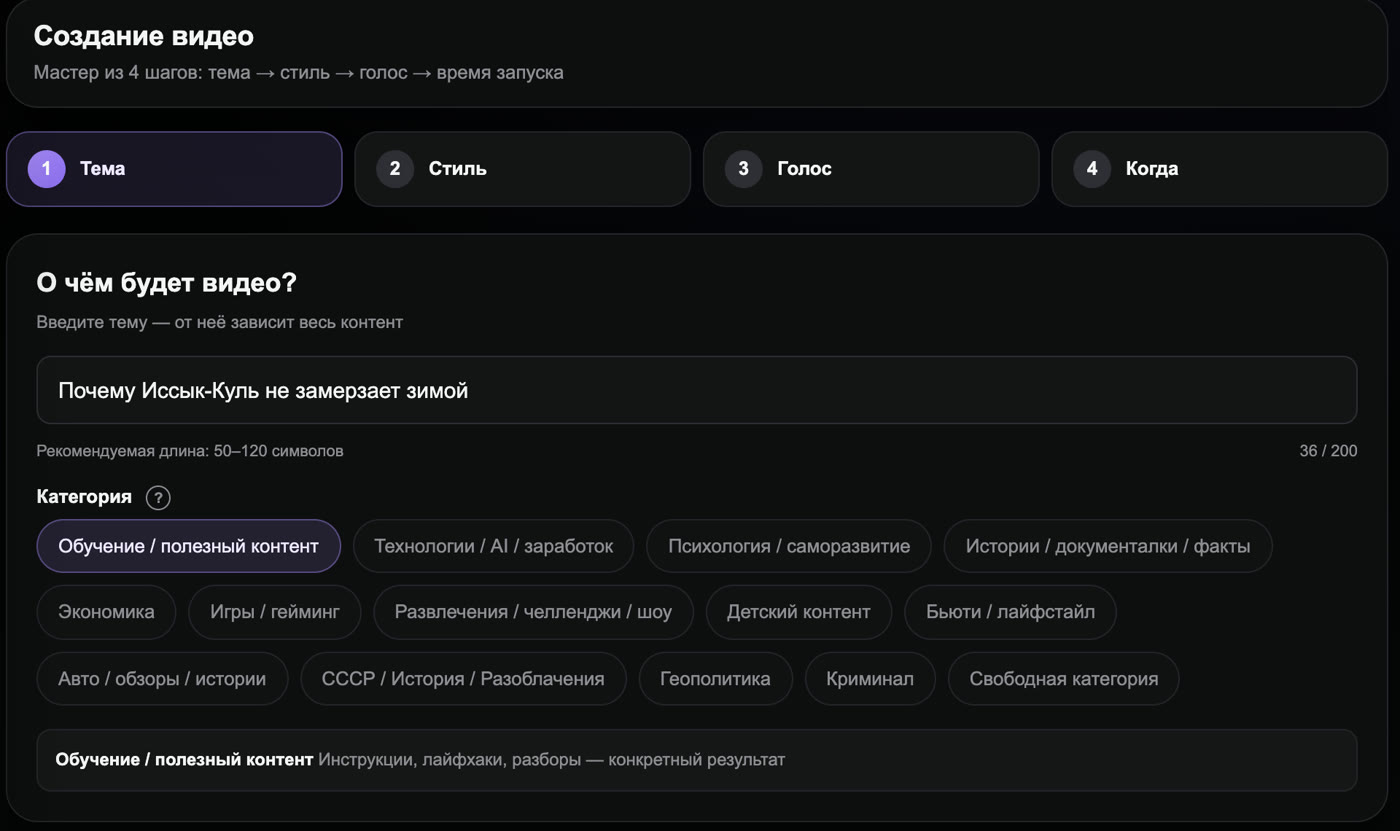
A zero-cost stack works, but it consists of a dozen separate services that need to be connected manually — and that eats the beginner's most valuable resource: time. Goutub brings the entire pipeline together in one place: a topic goes in, and a script, AI voice-over, visuals, a finished video, and Shorts cuts come out. That turns a budget start into a predictable process: you invest minimum time, not money in equipment, and get a result.
Build Your First Video with Goutub
Script, voice-over, visuals, editing, and YouTube package — one AI pipeline. Enter a topic and get a finished MP4.
Try GoutubPublished August 3, 2026 · Author: Асанов Усен · ← All blog posts