Showing your face on camera, buying lighting and a microphone, spending hours editing — none of that is a requirement anymore. To launch a faceless YouTube channel today, all you really need is a solid niche, sharp packaging, and an AI pipeline that turns text into a finished video. Below is a working five-step sequence: from picking a topic to your first impressions and optimization.
What a faceless channel is and why it works
A faceless channel is one without a person talking on camera. Instead of a face, it relies on voice-over, stock footage, infographics, AI-generated images, and screencasts. YouTube's algorithm doesn't care whether the creator appears on screen — it judges viewer behavior: how much of the video people watch, how often they click, and whether they come back for more. That's exactly why the faceless format competes on equal footing with personality-driven channels and scales easily: one script template can turn into dozens of videos.
Step 1: Niche — demand vs. competition
To build a faceless channel that actually makes money, don't start with a topic you simply like — start at the intersection of three factors: steady demand, manageable competition, and a strong RPM. RPM is what you earn per 1,000 views after YouTube's cut, and it varies heavily by niche and geography. Finance, tech, health, real estate, and B2B topics aimed at English-speaking, German, or Gulf audiences pay far more than entertainment content in cheaper markets.
A practical method is to hunt for a "gap" — topics where demand exists but quality supply is scarce. Use VidIQ to check the VPH (views per hour) of competitors' recent videos: if a channel with 5,000 subscribers racks up tens of thousands of views in a day, that's an anomaly — a signal of underserved demand. Grab those topics for your content plan.
Step 2: Packaging — thumbnail, title, first seconds
Packaging determines whether the algorithm pushes your video further. At launch, YouTube shows a video to a small test pool — roughly 300 to 1,000 impressions — and watches how people react. Two key thresholds matter here: a CTR (click-through rate) of at least 6%, and retention of at least 65% through the first 30 seconds.
Your thumbnail needs to read clearly on a phone screen: 3-4 large elements, a clear emotion, no more than four words of text. Keep your title under 63 characters so it doesn't get cut off in search results, and work your main keyword into it.
The 15-second rule
The first 15 seconds are where most viewers drop off. Your hook has to work even without sound: show the result, the conflict, or the payoff immediately — skip the logo and the long intro. The formula is simple: problem, intrigue, promise of value, all within 15 seconds. The stronger your early retention, the wider the algorithm rolls out impressions.
Step 3: AI production — script, voice-over, visuals
This is the core of a faceless channel, and the part that used to take days but now takes minutes.
- Script. Written using a "talking head" or "structurizer" template: a compelling hook, 3-5 content blocks with retention hooks at each transition, and a closing call to action. The AI drafts it, and you edit for accuracy and tone.
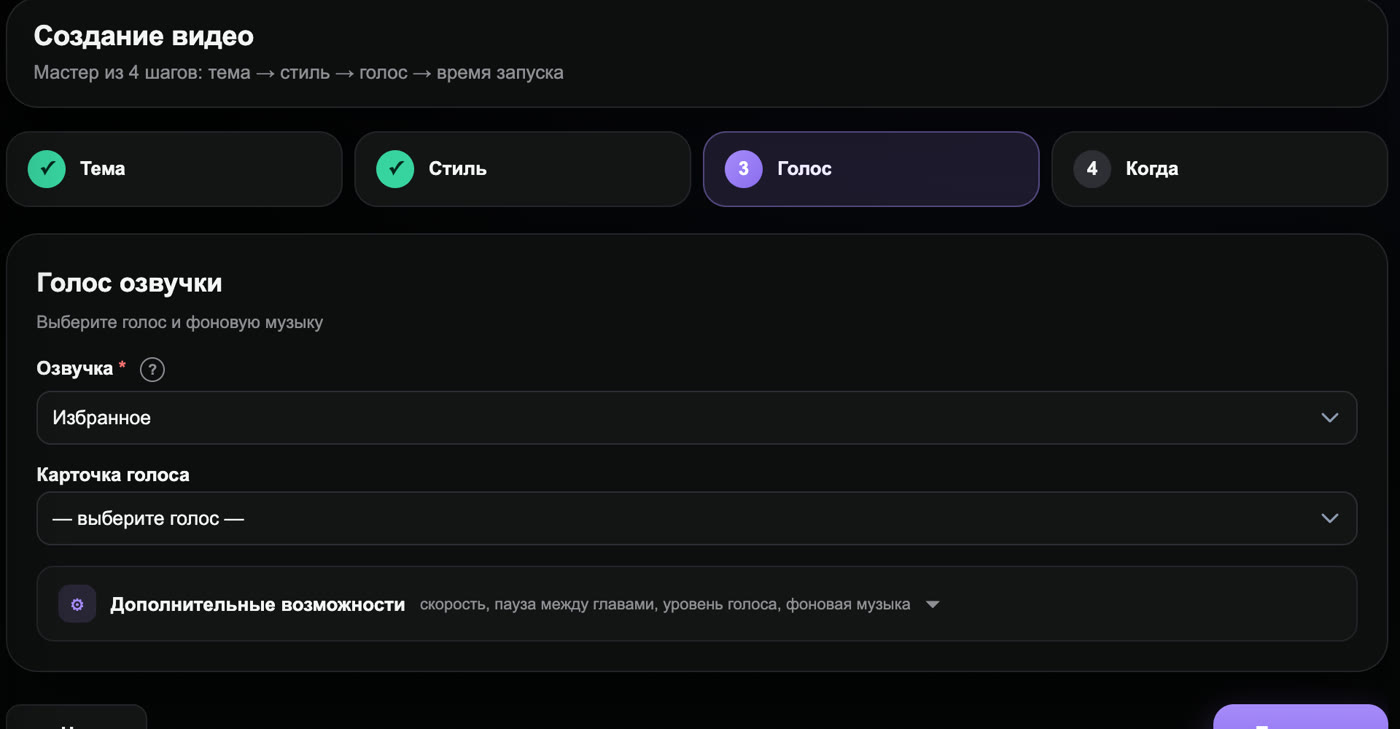
- Voice-over. AI TTS at the level of ElevenLabs produces natural-sounding voices in dozens of languages; you can also clone your own voice from a short sample and use it to narrate every video.
- Visuals. AI images from Midjourney or Leonardo, generative video from Runway and Pika, plus stock footage and infographics are assembled to match the voice-over. If you want an on-screen presenter without filming, an AI avatar like HeyGen works well.
Once assembled, the video still needs editing: laying the voice-over over the visuals, adding captions, and building dynamic transitions to hold attention.
Step 4: Publishing and SEO
Even a great video won't take off without proper metadata. The minimum SEO checklist:
- Title under 63 characters with your main keyword up front.
- Description of at least 500 characters: the first two lines carry the keyword and the promise, followed by timestamps for each segment and related terms.
- Tags up to 500 characters: main keyword, synonyms, and adjacent search terms.
Triple-tagging
The "triple-tagging" trick means putting the same keyword in three places at once: the title, the description, and the tags. This gives the algorithm an unambiguous signal about what your video is about and boosts your chances of showing up in search and "recommended" for that target query. Don't spam a single word — use natural variations of the keyword.
Step 5: Initial impressions and optimization
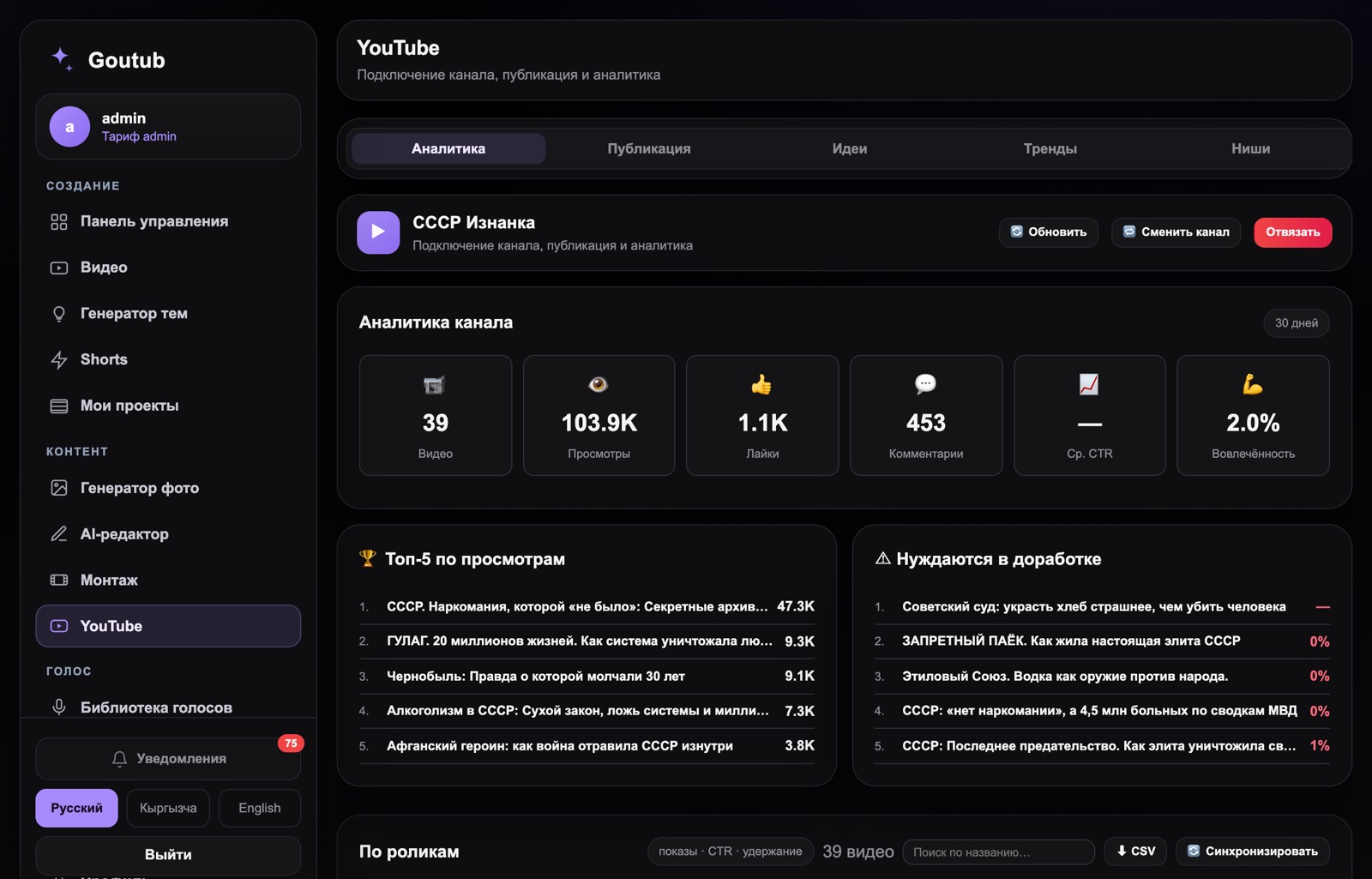
After publishing, YouTube tests the video on a narrow audience. Your job is to read the analytics, not panic over the zeros in the first few hours. Watch three metrics: CTR (is the packaging working?), retention and the drop-off graph (where viewers leave), and traffic sources (search, recommended, Shorts).
If CTR is low, change the thumbnail and title — YouTube lets you test up to three thumbnail variants. If retention dips at a specific second, there's a weak script transition or a dragging segment there. Shorts is another growth accelerator: cut vertical clips from your long-form video and use them as a funnel toward your main content and subscriptions.
Content plan for your first month
To avoid burning out after your third video, plan your month using the Hero-Hub-Help-Hype-Action model — a content pyramid where each type plays a distinct role:
- Help — answers to specific questions ("how to...", "what is..."). These drive search traffic and form the backbone of your schedule.
- Hub — regular niche series that people subscribe to and keep coming back for.
- Hero — a big, ambitious flagship video for a reach spike, 1-2 per month.
- Hype — content riding trends and news within your niche.
- Action — videos driving a specific action: subscribing, clicking through, buying a product.
Focus on Help and Hub early on — they steadily build audience and watch hours. A realistic pace for your first month is 8-12 long-form videos plus Shorts clips, so the algorithm always has something new to test.
How long a launch takes
Strategic decisions — niche, geography, format — should be locked in within the first day or two, since a mistake here costs more than any editing mistake. Setting up the channel (avatar, banner, description, trailer) takes a few more hours. After that, everything comes down to production: manually assembling a single video can easily eat up a whole day, and that — not a lack of ideas — is what holds beginners back. So the key decision at launch isn't "where do I find inspiration," it's "how will I consistently ship content."
How Goutub speeds this up
Goutub handles all five production steps for you: you set the topic, and the platform generates the script, narrates it with an AI voice, sources AI images and footage, and assembles the finished video. Metadata, Shorts clips, and SEO drafts all come out of the same pipeline, so instead of a week of manual work, you get a video in minutes and can focus on picking niches and reading the analytics.
Put together your first video in Goutub
Script, voice-over, visuals, editing, and a YouTube package — one AI pipeline. Enter a topic, get a finished MP4.
Try GoutubPublished July 27, 2026 · Author: Асанов Усен · ← All blog articles