Camera, lighting, a lapel mic, and talking-head editing — these are the most common barriers to starting on YouTube. The good news: faceless YouTube channels have long proven to perform just as well, often better. Let's walk through how to launch a channel with no face and no camera — using voice-over and AI visuals.
Why faceless YouTube actually works
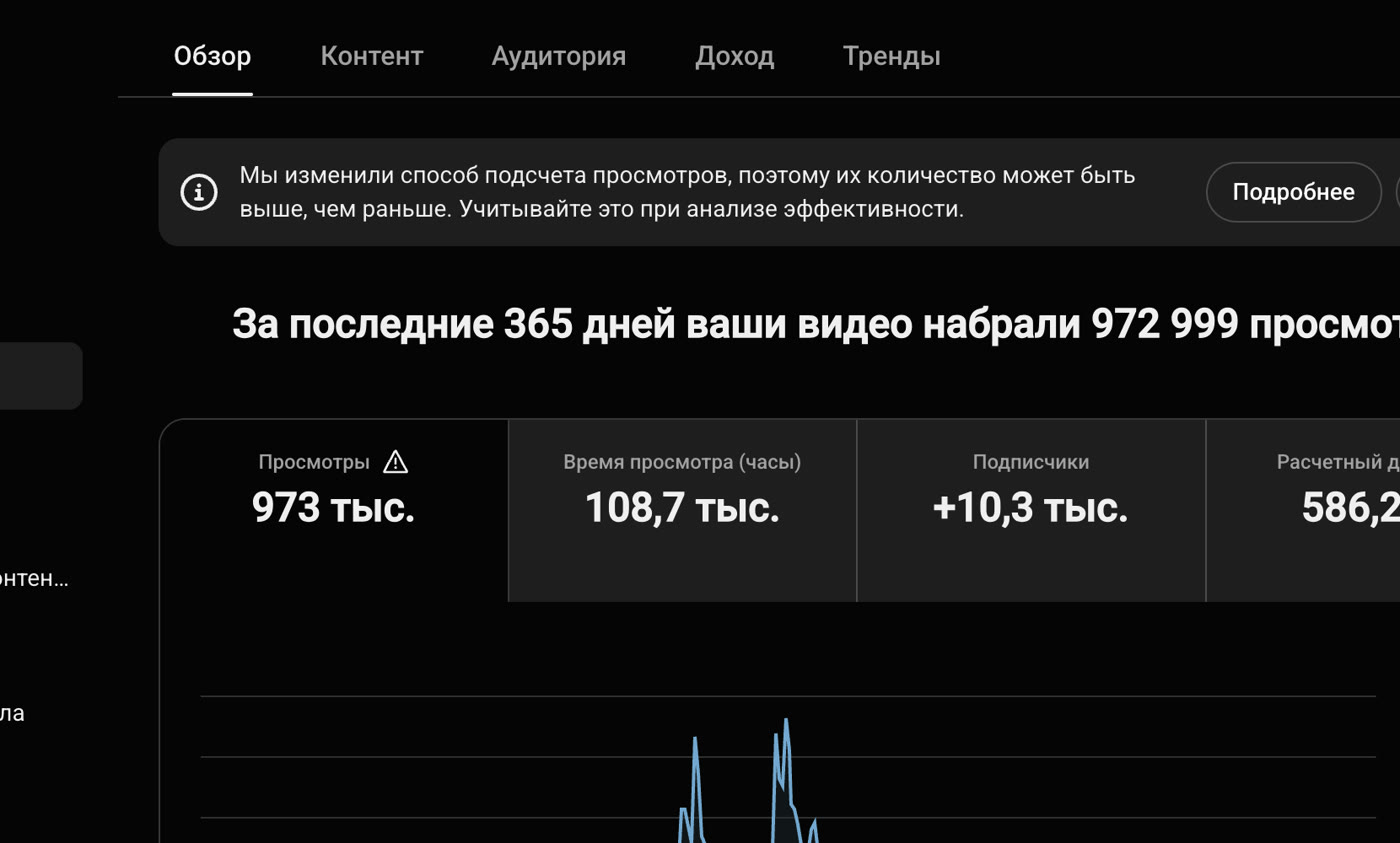
The algorithm ranks on viewer behavior — whether they watch to the end, click, and come back — not on how good the creator looks on camera. If a video holds attention, the platform doesn't care whether you filmed it or assembled it from AI images and stock footage. Better still, a faceless channel is easier to scale: the content isn't tied to one person, and a single template generates dozens of videos.
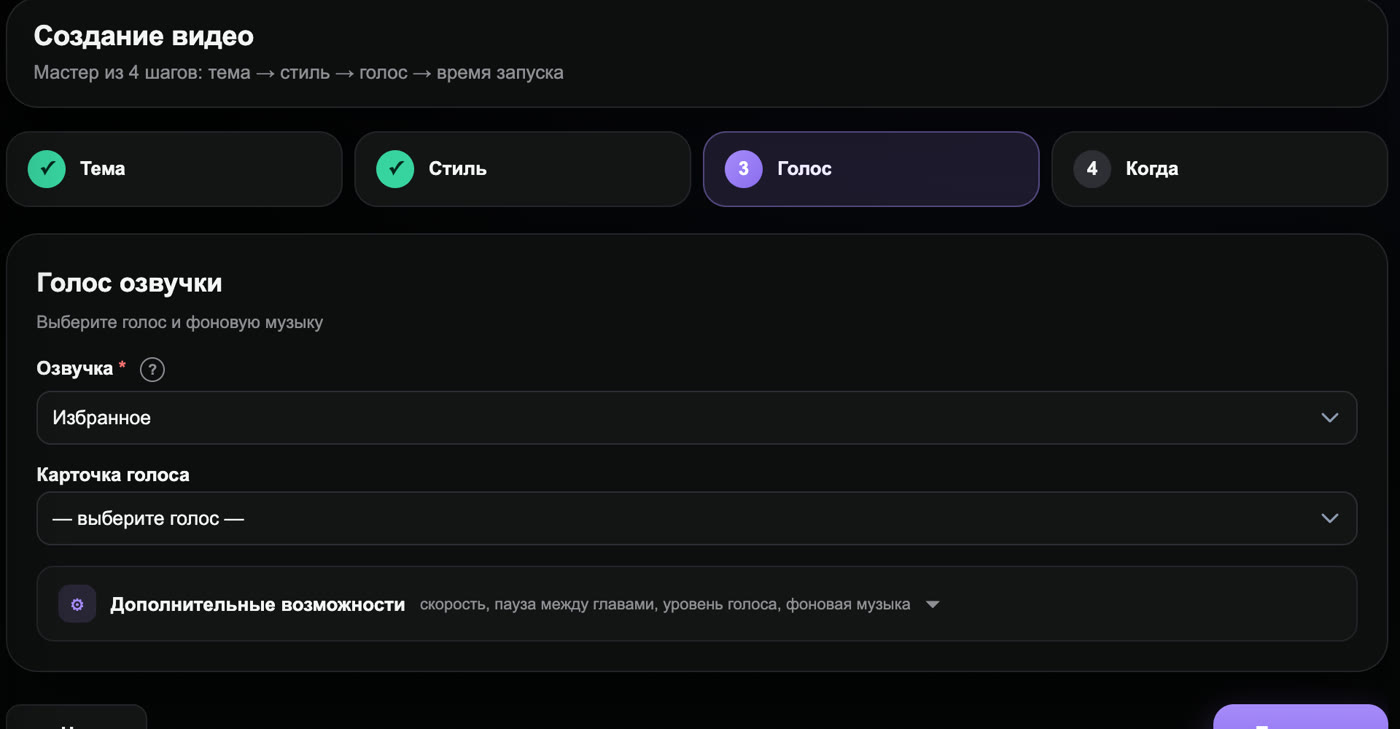
What a no-camera video is made of
Three layers replace filming and come together into one video:
- Script — the text that defines structure and watch time.
- Voice-over — narration instead of on-camera speech.
- Visuals — what the viewer sees: images, footage, infographics, and generative video.
Let's break down each layer and the tools for it.
Script: the backbone of your video
Everything starts with text. A solid structure: a hook for the first 15 seconds, 3–5 content blocks, and a closing call-to-action. The script drives watch time, so don't rush the transitions between blocks — that's where viewers most often drop off. An AI generates a first draft from a template; you refine the facts, figures, and tone for your niche.
Voice-over instead of on-camera speech
The voice-over is the heart of a faceless channel. Modern AI TTS like ElevenLabs sounds natural and supports dozens of languages. If you want brand recognition, you can clone your own voice from a short clean sample and use it across every video — viewers hear a "live" host even though you never record takes manually. Keep the pacing energetic and avoid long pauses: dead air feels like dead watch time.
Visuals without a camera
The visuals beneath the voice-over are drawn from several sources:
- AI images — Midjourney and Leonardo generate unique visuals for any topic.
- Generative video — Runway and Pika animate stills and create short clips from text descriptions (text → image → video).
- Stock footage and infographics — stock clips, charts, animated text, and screencasts.
- AI avatar — if you still want a "host" on screen, HeyGen creates a talking avatar without any filming.
The key rule for visuals: change the frame often enough to keep the eye engaged, and make sure each shot illustrates exactly what the voice-over is saying.
How to launch a faceless YouTube channel step by step
- Choose a niche at the intersection of demand, manageable competition, and high RPM. Premium topics (finance, tech, health) targeting high-income markets monetize faster.
- Set up your channel — avatar, banner, name, and trailer. All of this is done in graphic editors without filming.
- Build your video package — thumbnail (3–4 elements, emotion, max 4 words) and a title under 63 characters with a keyword.
- Produce the video — script → voice-over → visuals → edit with subtitles.
- Publish with SEO — description of at least 500 characters with timestamps, tags up to 500 characters, keyword in title, description, and tags (the "triple-tag" technique).
- Read your analytics — CTR (target: 6%+), first-30-second retention (target: 65%+), drop-off points — and improve the next video accordingly.
Common mistakes beginners make
- Flat voice-over. A monotone voice kills watch time. Adjust intonation and pace.
- Slideshow effect. A static image held for a minute drives viewers away. Switch frames and add motion.
- Long intro. A logo reveal and "Hey everyone" eat up the 15-second rule. Start with the hook immediately.
- No subtitles. A significant portion of the audience watches without sound; subtitles keep them engaged.
- Ignoring analytics. Without reviewing CTR and retention, you repeat the same mistakes video after video.
What equipment you actually need
Spoiler: almost nothing. A faceless channel only needs a computer and a stable internet connection — all the work happens in a browser and an editor. No camera, lighting, microphone, lapel mic, green screen, or studio required. The only thing you might spend on is paid AI service plans, but starter limits and trial access are enough to get going. That's the format's core advantage: the barrier to entry is measured in time to learn the workflow, not in money.
How long does one no-camera video take?
When building manually, the chain — script → voice-over → image sourcing → editing → metadata — easily stretches to a day or two, especially at first. The two biggest time sinks are sourcing and generating visuals for each content block, and syncing the voice-over to the footage — every frame cut should land exactly where the thought shifts. As you build experience and accumulate templates, the process speeds up; with an AI pipeline it compresses to minutes. That slow manual build is usually the biggest reason creators can't stay consistent, and consistency is what grows a channel.
Mini walkthrough: assembling one video
Take a topic from the personal finance niche. First, the AI writes a script with the hook "why you're losing money every month" and three tip blocks. Then the text is narrated with an AI voice at an energetic pace. For each block, AI images and short generative clips are selected: an expense chart, a wallet image, an infographic for the 50/30/20 rule. In the edit, the voice-over is laid under the visuals, subtitles are added, and transitions get motion. The finish: thumbnail, keyword title, and a description with timestamps. Not a single second of filming — and a fully produced video as the output.
How Goutub speeds this up
Assembling the three layers manually — script, voice-over, and visuals — takes a long time. That's exactly where Goutub helps. You provide the topic, and the service generates the script, narrates it with an AI voice, sources AI images and footage, and delivers a finished video without a single second of filming. Faceless YouTube goes from "a week of editing" to a few minutes of work, leaving you free to focus on niches and strategy.
Create your first video with Goutub
Script, voice-over, visuals, editing, and a YouTube package — one AI pipeline. Enter a topic, get a finished MP4.
Try GoutubPublished July 29, 2026 · By Асанов Усен · ← All blog posts