An AI can write a YouTube script in minutes, but there's a world of difference between "generated some text" and "got a script that keeps viewers watching to the end." The gap comes down to prompts, structure, and what you feed into the text — not the model itself. Below are ready-to-use prompt templates, a breakdown of a script structure that works, and the "anchor script" technique that boosts your odds of landing a hit.
AI-generated YouTube scripts: why they're half the battle
In the formula of topic, packaging, and retention, the script handles the hardest part — retention. You can nail a hot topic and design a clickable thumbnail, but if viewers drop off at second 20, the algorithm stops recommending your video. That's why an AI-generated script shouldn't just be "some text" — it needs to serve a specific job: grab attention in the first few seconds and hold it to the finish.
The main rule follows from this: the AI is the executor, but you set the drama. A bare prompt like "write a script about X" produces watered-down, summary-style text. A working prompt always specifies a role, format, structure, tone, and constraints.
The anchor script technique
Before generating anything, find an anchor — a video in your niche that's already racked up an unusually high view count. Transcribe it and break it down: how the hook is built, how long the intro runs, what order the segments come in, and where the creator drops questions or emphasis. You hand this framework to the AI as a structural template.
The key point: you're borrowing the delivery logic, not the text. Copying someone else's script is pointless and risky — instead, you fill a proven framework with your own content, facts, and examples. That way your new video doesn't start from a blank page — it starts from a structure that's already proven it can hold an audience.
A script structure that works
Almost any video that holds attention is built from four parts:
- Hook (first 15 seconds). A promise, a question, or a hint that explains why the viewer should keep watching. No "hey guys, in this video we'll talk about" — that kills the opening seconds.
- Body (3–5 segments). Each segment is one complete idea with an example. Micro-transitions between segments ("but here's the catch," "and here's what matters") keep viewers from leaving.
- Peak. Save the most valuable payoff for near the end, not all at once — otherwise there's no reason to keep watching.
- Close and call to action. A short takeaway and a clear next step: subscribe, watch the next video.
This is the structure you should bake into your prompt.
Prompt template: "talking head"
A first-person monologue format — for expert content, tutorials, an avatar, or voice-over. Template:
You are a YouTube scriptwriter in the [niche] niche. Write a first-person monologue script on the topic "[topic]," running about [N] minutes. Structure: a hook for the first 15 seconds (intrigue or a promised result, no greeting), then [3–5] segments, each with one idea and an example plus a micro-transition between them, the most valuable point in the second-to-last segment, and a close with a call to subscribe. Tone: [conversational/expert], short sentences, address the viewer as "you." Write only the voice-over text, no stage directions. Avoid corporate jargon and generic phrases.
Plug in your niche, topic, and runtime — and you'll get a draft ready for editing.
Prompt template: "structurer"
If you already have raw material — an anchor video transcript, an article, your own notes — don't start from scratch, structure it instead. Template:
Here's raw text on the topic "[topic]": [paste text]. Turn it into a YouTube script running about [N] minutes. Cut repetition and filler, keep only facts and examples. Build the structure: a hook that grabs attention in 15 seconds, [3–5] logical segments with transitions, a strong close with a call to action. Preserve the substance from the source, but rewrite it in a natural, conversational style for voice-over.
This combines the anchor script technique with generation: you take the framework from a proven video, and the AI repackages the content into a clean script.
A prompt for sharpening the hook
The hook is worth refining separately — it's the most important part. A dedicated prompt:
Come up with 5 hook options for a video on the topic "[topic]." Each should be 1–2 sentences that explain, within 15 seconds, why the viewer should watch to the end. Use different techniques: intrigue, the promise of a specific result, a sharp question, a pattern break, the promise of avoiding a mistake. No greetings or introductions.
Pick the strongest option from the five, or test different ones on similar videos.
Editing: where AI gets it wrong
An AI-generated script is a draft, not a final product. Always check:
- Facts and figures. The model can confidently make up statistics or dates. Verify anything that sounds like a fact.
- Tone for the niche. Kids' content, finance, and meme-style formats each call for different language — adjust it for your audience.
- Length of the hook and segments. Cut anything that delays the point. If the opening line doesn't grab you, rewrite it.
- Natural delivery. Break up long sentences and add direct address. The text should sound spoken, not read like a summary.
This editing pass takes minutes, but it's exactly what separates generative noise from a script that actually holds an audience.
How to check a script before voice-over
Before sending the text to voice-over, run it through a quick checklist — it's cheaper than reshooting a finished video:
- Does the hook grab attention in 15 seconds? Read the first two or three lines out loud. If you don't want to keep listening, rewrite it.
- Is each segment a single idea? Split anything that's really two topics at once.
- Are there transitions? There should be connective tissue between segments that keeps viewers from leaving.
- Are facts and figures verified? Check anything that sounds like a fact against a source.
- Does the text sound spoken, not read? Turn long sentences into short ones, add direct address.
- Does the ending drive action? The video should close with a call to action, not trail off mid-thought.
If the script passes this checklist, it's ready for voice-over and the rest of the pipeline.
How Goutub speeds this up
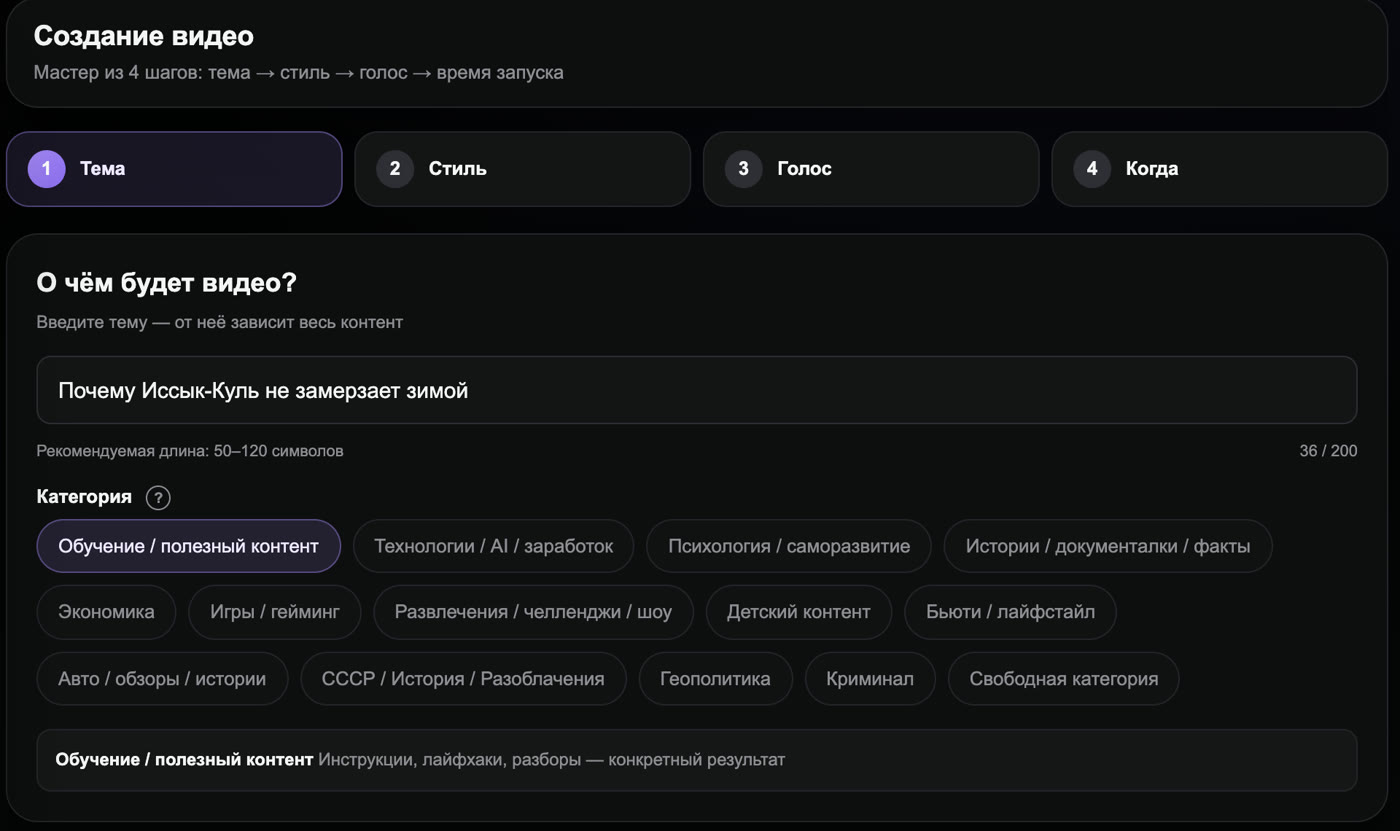
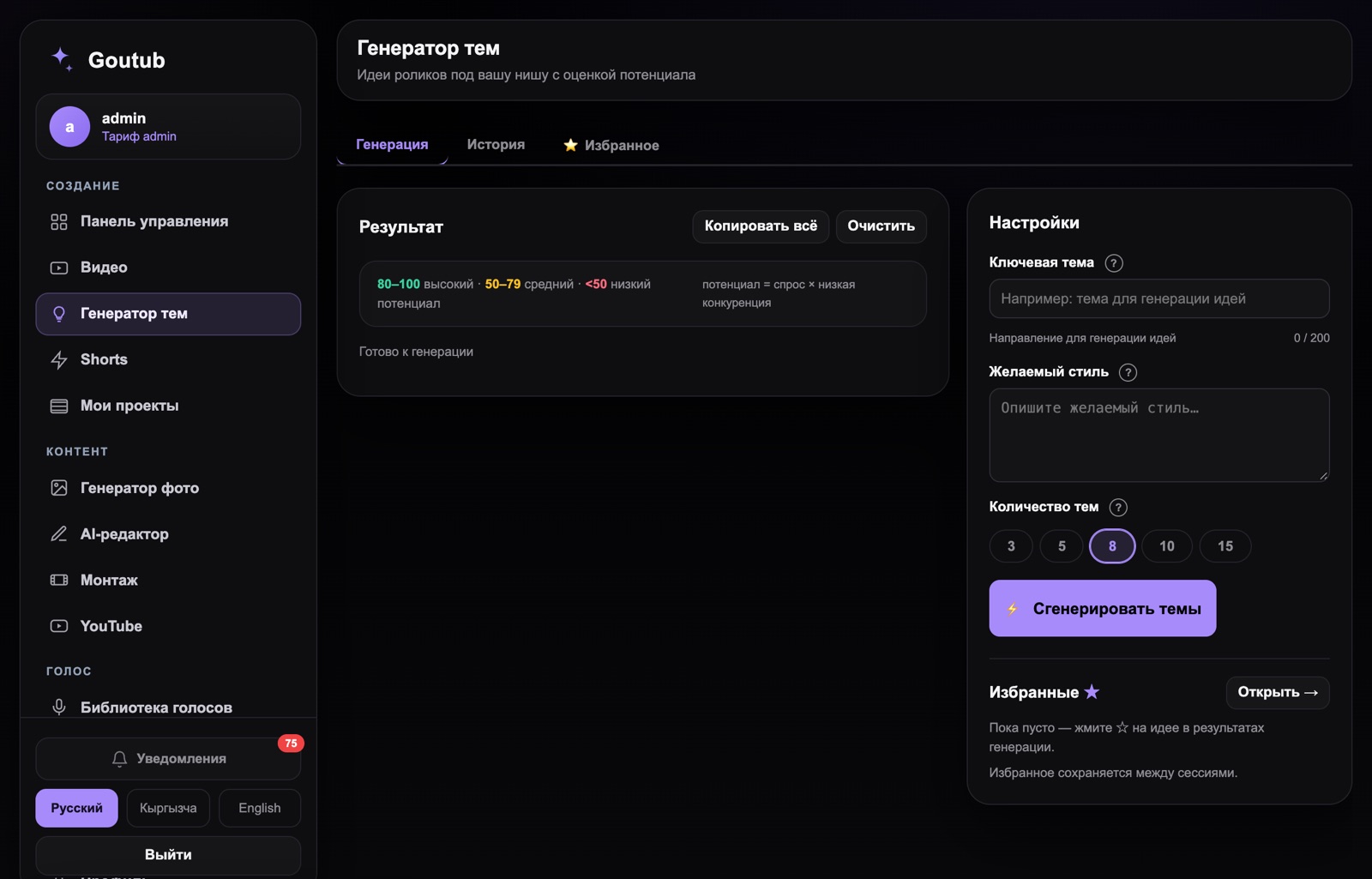
In Goutub, an AI-generated script isn't a separate tool where you copy-paste prompts — it's a built-in step in the pipeline. You give it a topic (or feed it an anchor video), and the system writes a script following a proven structure with a hook and segments, ready for voice-over. That same text then flows straight into AI voice-over, visuals, and editing — no manual handoff between tools. All that's left is your review and hitting publish.
Produce your first video with Goutub
Script, voice-over, visuals, editing, and a YouTube-ready package — one AI pipeline. Enter a topic, get a finished MP4.
Try GoutubPublished August 6, 2026 · Author: Асанов Усен · ← All blog posts