1.Nail the idea in one phrase
If you can't describe the video in one short phrase ("How X helps Y in Z"), the idea itself is still rough. Get clarity on the concept before anything else.

A step-by-step guide to writing scripts that hold viewer attention — from the first hook to the final CTA. Works for YouTube, TikTok, Reels, Shorts, and educational videos.
Go to the guide →The script is the skeleton that holds the entire video together. Without it, even perfect visuals, music, and voiceover can't save you — viewers will leave within 30 seconds because they're bored or can't tell where you're going.
A strong script doesn't mean many words. It means every word earns its place. In the first 5–10 seconds, viewers decide: stay or scroll. In the next 1–2 minutes: watch to the end or close. And so on every 2–3 minutes all the way through.
This guide is a practical breakdown of how to structure a video so the retention curve doesn't drop in the first few seconds. The principles and steps apply equally to YouTube long-form, Shorts, Reels and TikTok, educational videos, and storytelling channels.
At the end, we'll show you how Goutub turns a topic into a complete, well-structured script in minutes — the AI applies every principle covered below and tailors the script to your niche's format.
Ready to write a script that keeps viewers watching all the way through? Let's dive in.
Step 2 of the Goutub pipeline is an automatic script generator. You specify the topic, niche, and tone — the AI then builds a chapter outline and writes the full script applying every retention principle: a first-minute hook, plot twists every 2–3 minutes, information density, and clean language.
The script is divided into chapters — each chapter is self-contained and ends with a hook into the next. This keeps viewers engaged throughout the entire retention curve. You control the length of each chapter and the total chapter count in the settings to match your format: long-form, mid-form, or Shorts.
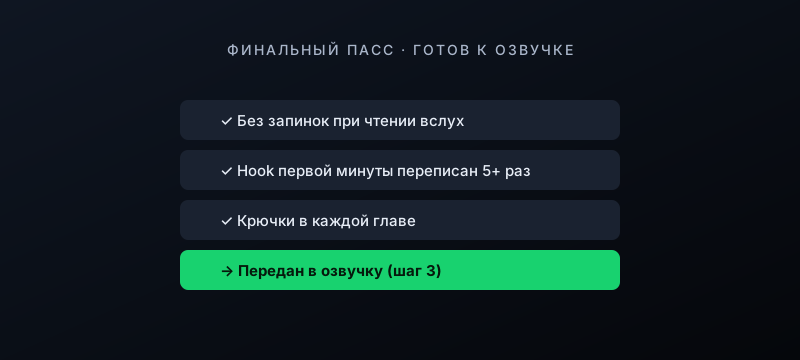
After generation, the script opens in the Inspector — where you can edit any chapter, rewrite the hook, reorder sections, or remove anything unnecessary. From there, the script goes to voiceover (step 3) and then into editing. One full cycle from topic to finished script takes 2–5 minutes.
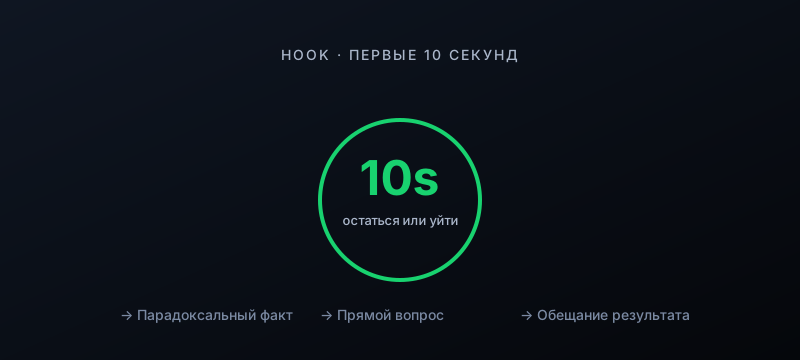
Viewers decide to stay or leave in 5–10 seconds. Start with a specific question, an unexpected fact, or a promise of results — skip the "hello, today we're going to talk about..."
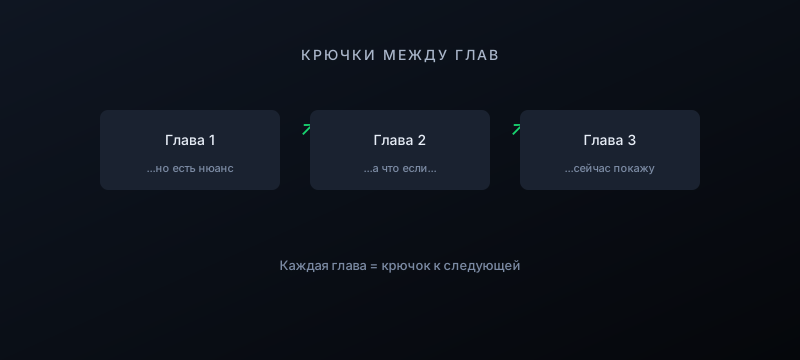
Every chapter must end with a hook into the next one. If viewers don't have a reason to stay, they won't. Think in frames and intrigue, not sections.
You can't stay on one idea too long — attention fades. Shift the angle: add contrast, a counter-example, or an unexpected turn. This resets the viewer's focus.
The more useful content per minute, the higher the video's value. No filler, no rephrasing the same idea in different words. Every sentence must carry meaning.
Density doesn't mean no breathing room. After a strong fact or twist, you need a brief pause — literally a second. That gives the brain time to absorb what was just said.
Dry recitation of facts doesn't work. The script needs an emotional rhythm: calm → surprise → excitement → reflection. Alternate registers.
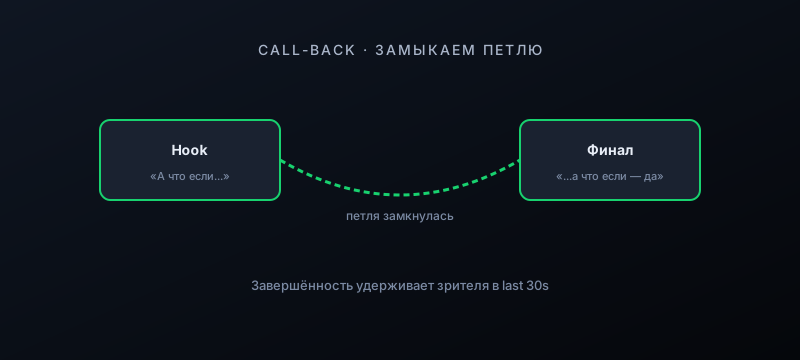
If you opened with a teaser or an unusual fact, return to it at the end. This gives viewers a sense of closure and boosts retention in the last 30 seconds.
No complex constructions, filler words, or bureaucratic phrasing. Viewers aren't reading — they're listening. Plain conversational language works ten times better than "proper" written prose.
These techniques were developed across thousands of videos in every format — from YouTube long-form to Shorts. They work anywhere viewers decide to stay or leave in seconds.
Your intro is a hook, not a greeting. If the first line doesn't grab attention, rewrite it.
If an idea can be said in one sentence, say it in one sentence. Length doesn't equal depth.
Respect your viewers. If a fact is obvious, skip it or present it from a fresh angle.
"Many people think" is weak. "83% think" is strong. Numbers hold attention better than abstractions.
A real case study or personal story always lands harder than theory — viewers see the person behind the words.
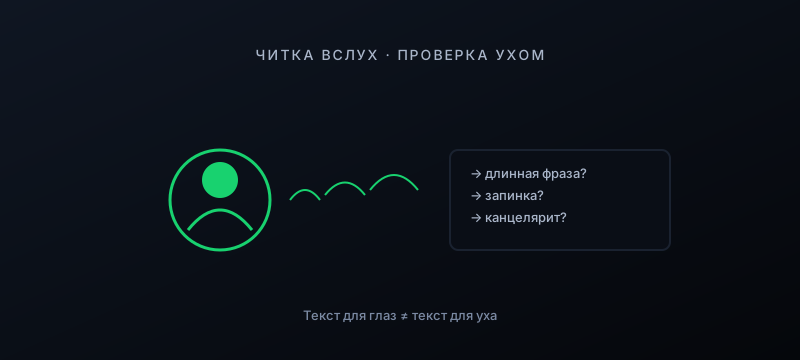
Text written to be read and text meant to be heard are very different. What looks fine on the page often sounds awkward spoken aloud.
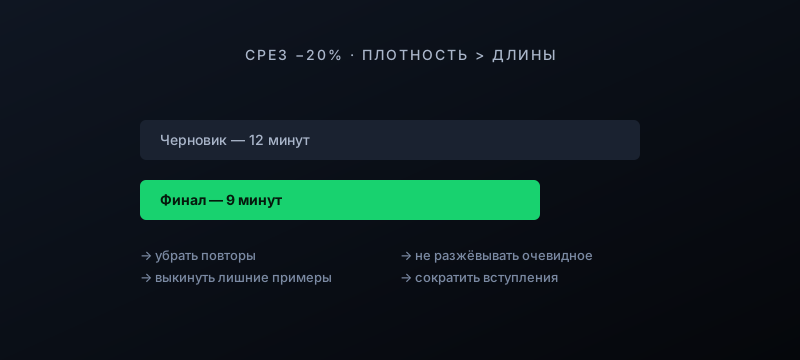
Almost every script benefits from a 20% cut. Unnecessary content is retention's enemy.
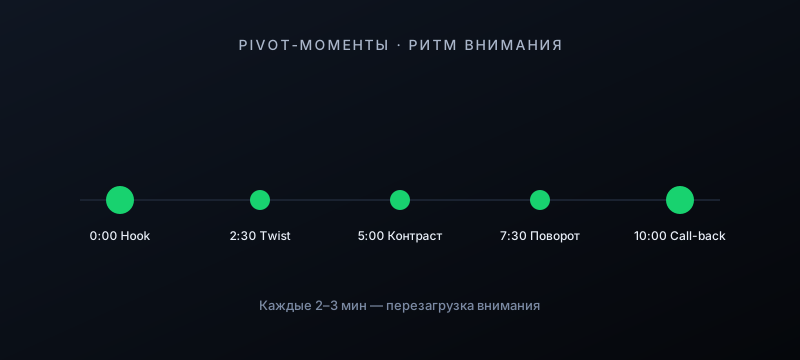
Map out where the pivot moments will be before you write. This keeps the pace tight and tells you exactly where to add a hook.
Don't cram 3 ideas into one section — viewers will get lost. One chapter, one clearly articulated idea.
Don't just end the video abruptly. Close with a call-to-action, a takeaway, or a question for the audience — this boosts comments and retention.
The hook is the one thing you can't just wing. Rewrite it 5–10 times and pick the one that grabs hardest.
YouTube Studio shows you the retention curve. Study where viewers drop off on competitors' videos — and don't make the same mistakes.
If you can't describe the video in one short phrase ("How X helps Y in Z"), the idea itself is still rough. Get clarity on the concept before anything else.
Each chapter is a content block of 1–3 minutes — no more. The outline should fit on a single page; that's your check for appropriate scope.
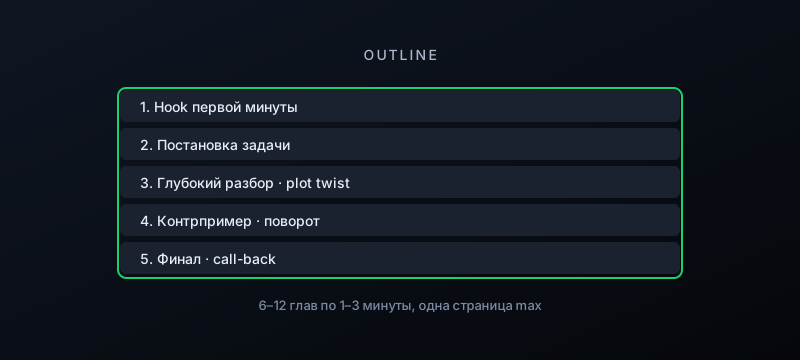
This is the most important part of the script. Open with a promise, a paradoxical fact, or a direct question. Rewrite it 5–10 times and pick the one that hooks hardest.
Mark where the plot twists will fall in the video. Every 2–3 minutes there should be a moment that resets viewer attention.
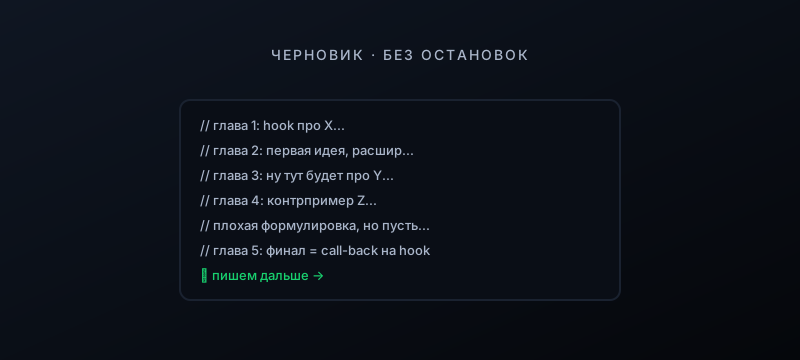
Don't edit as you go — write straight through. The first pass is about closing the structure, not polishing the wording.
What reads well on the page often sounds awkward when spoken. Remove every spot where you stumble or run out of breath from a long sentence.
Most first drafts benefit from cutting. Remove repetition, over-explained obvious points, and unnecessary examples. Density beats length.
Every chapter should end with a hook into the next: a question, a paradox, a "but," a promise of what's coming. This keeps viewers watching to the end.
Replace vague phrases with specific data, case studies, and facts. "Most viewers leave at the 30-second mark" is stronger than "most viewers leave early."

Go through the script as a viewer and ask at every minute mark: "Why should I keep watching?" If there's no answer, add a hook.
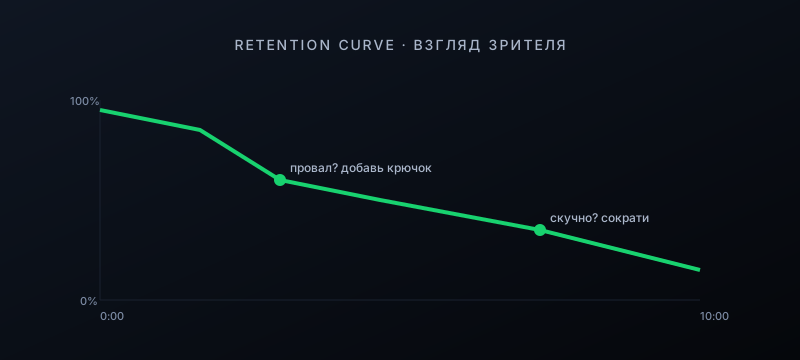
Return to the first-minute hook at the end — close the loop. This creates a sense of completion and keeps viewers through the last 30 seconds (which matters for the algorithm).
Before recording, read through the text one more time out loud. If nothing stumbles or sounds off, the script is ready for voiceover.
Goutub builds a script from your topic in just a few clicks — with the right structure, hooks, and retention logic. Works for YouTube, TikTok, Reels, Shorts, and educational videos. Edit in the Inspector and send straight to voiceover.
Generate a script